Главная > Проекты > RME Shop with custom AJAX UI
RME Shop with custom AJAX UI
based on spree-commerce
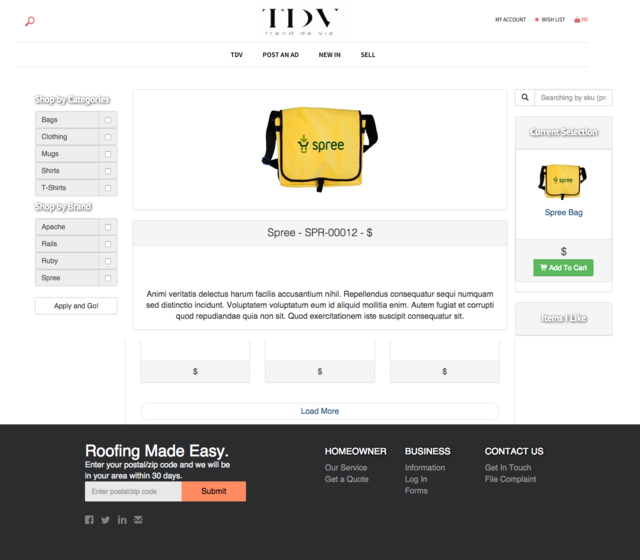
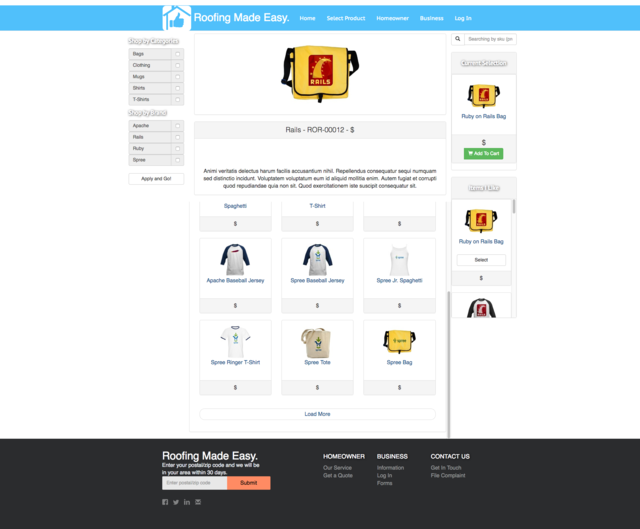
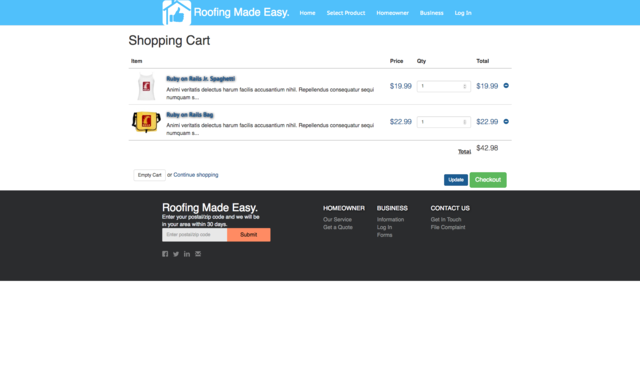
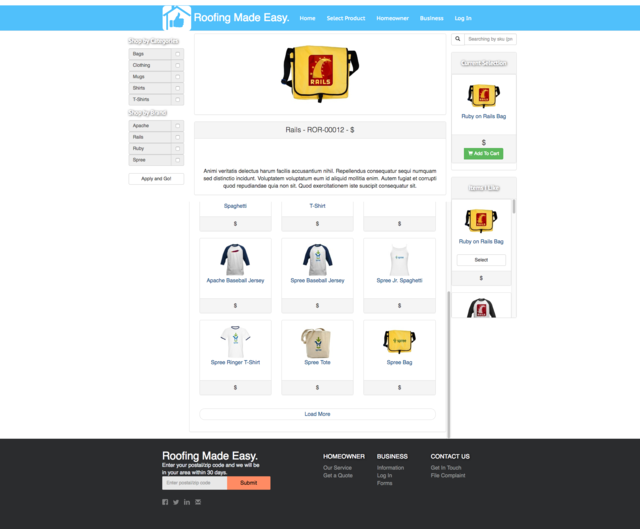
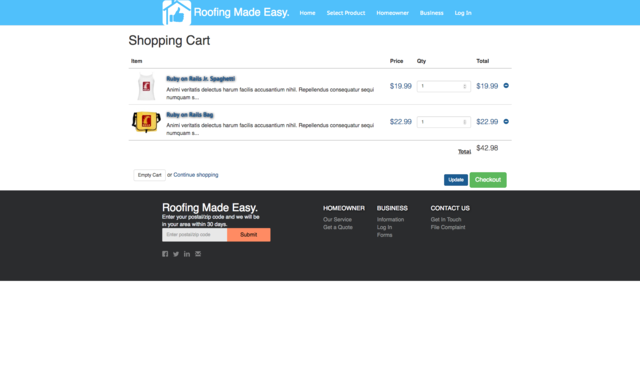
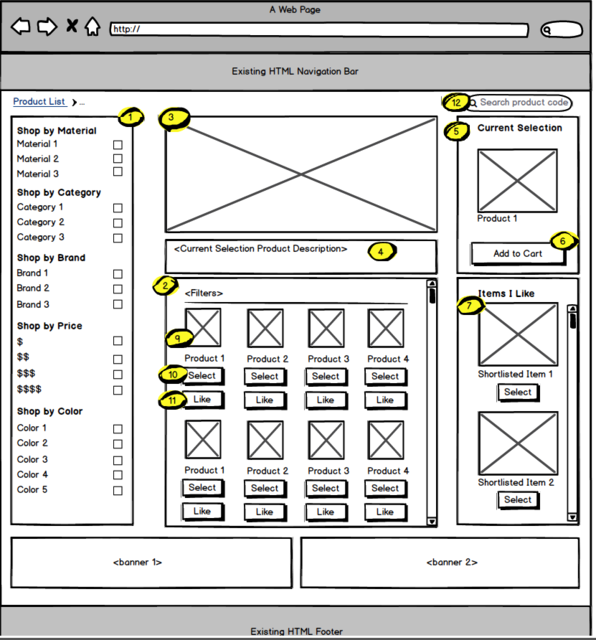
Looking to build a custom storefront for spree in Heroku. I have the mockup for reference.
Requirements---
1)This side bar must act like a filter for displaying products in the product viewer section (#2).
List all “material” types under the “Shop by Material” header
List all “category” types under the “Shop by Category” header
List all “brand” types under the “Shop by Brand” header
List all “Price” types under the “shop by Price” header
List all “Color” types under the “Shop by color” header
When a filter is applied, display only the products where the selected filter is associated with the product
Default display all products
2)This is the product viewer, where all products will be displayed based on defaults and applied filters.
- When a filter is applied display only the associated products
- The size of this viewer should be fixed at the top, but be inline at the bottom with the left side bar.
- Overflow of products should present a scroll option
3)Selected Product Display
Display <Image 2> for the “Selected Product” in the viewer.
4)Selected Product Details
-Display a header with the product concatenation “<Brand> - <Product Code>-<Price>"
-Display the products description in this box
5)Selected Product Viewer
-Display the most recently “Selected Product”
-When a more recent product has been selected, change the product to “Liked” and display in the “Items I like” viewer
6)Add to Cart
-When a product is in the “Selected Product” status, enable the “Add to Cart” button
-When the “Add to Cart” button is pressed, a confirmation pop up should be displayed
-When the “Add to Cart” button is pressed navigate to the “results page” and persist the product selection
7)Items I Like Section
-When a product from the product viewer has boolean “Liked” display it in this section
-Product overflow in this section should result in a scroll bar
-When a user clicks “Select” remove this item from the viewer and place it in the “Selected Product” viewer
8)Forgot 8...
9)Hovering over a product should display an enlarged preview modo, which displays <image 2> associated with the product, and the “select” and “Like” buttons
- Each product should display the associated “Price” icon, and “Product Code”, under the image
10)Select Button
Adds the product into the product viewer
Displays <image 2> in the “Selected Product Display”
11)Like Button
- Adds the product to the “Items I Like” list viewer
12)Search Product Code
-When a user search by product code, display only the identified product in filtered results product viewer
-If no product is identified, prompt the user with a message that informs them “Unfortunately, we couldn’t find a match in our system. Be sure to include all characters includin
Spree-commerce, Ruby On Rails, jQuery, HTML, CSS, Git, Heroku